
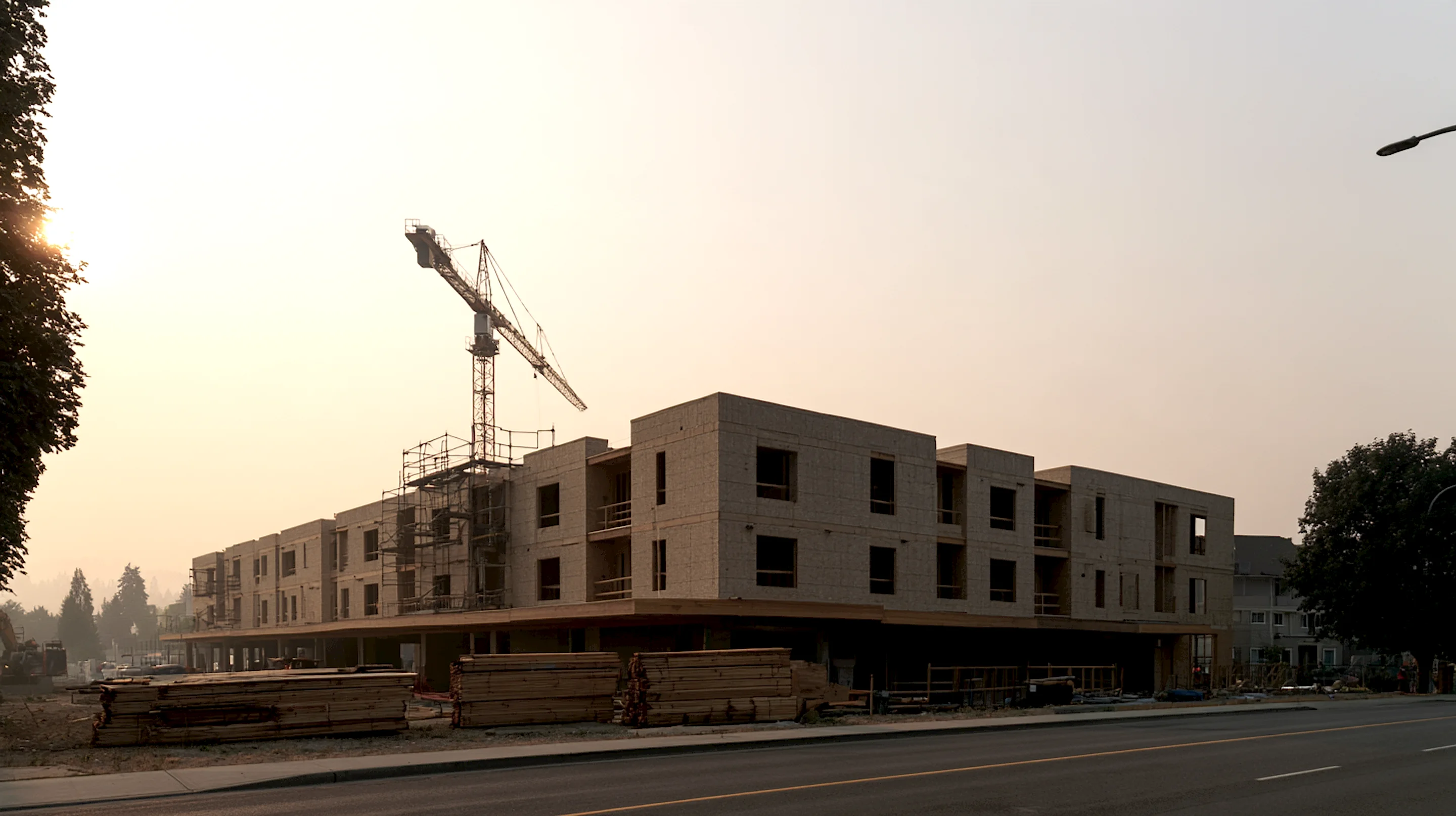
Framing takeoffs for multifamily.
Upload the set and the AI does the framing takeoff one building type at a time — floor by floor, rolled up to a material list per building type. You check it instead of counting it, and your first set we run with you.
One takeoff per building type.
Built from floor-level counts. Rolled up to a complete material list per building type — ready to bid, order, and repeat across the site.
Per building type
Each building type ships as one complete takeoff. Repeat it across the site without re-counting.
Floor-level counts
Typical residential floor counted once and multiplied where it repeats. Special floors — podium, top, roof — counted where they differ.
Variations called out
End conditions, corner conditions, and mirrored layouts treated separately when framing changes.
Drops into your stack
CSV and XLSX, organized by building type and floor. Drops into your estimating spreadsheet or ERP without re-typing.
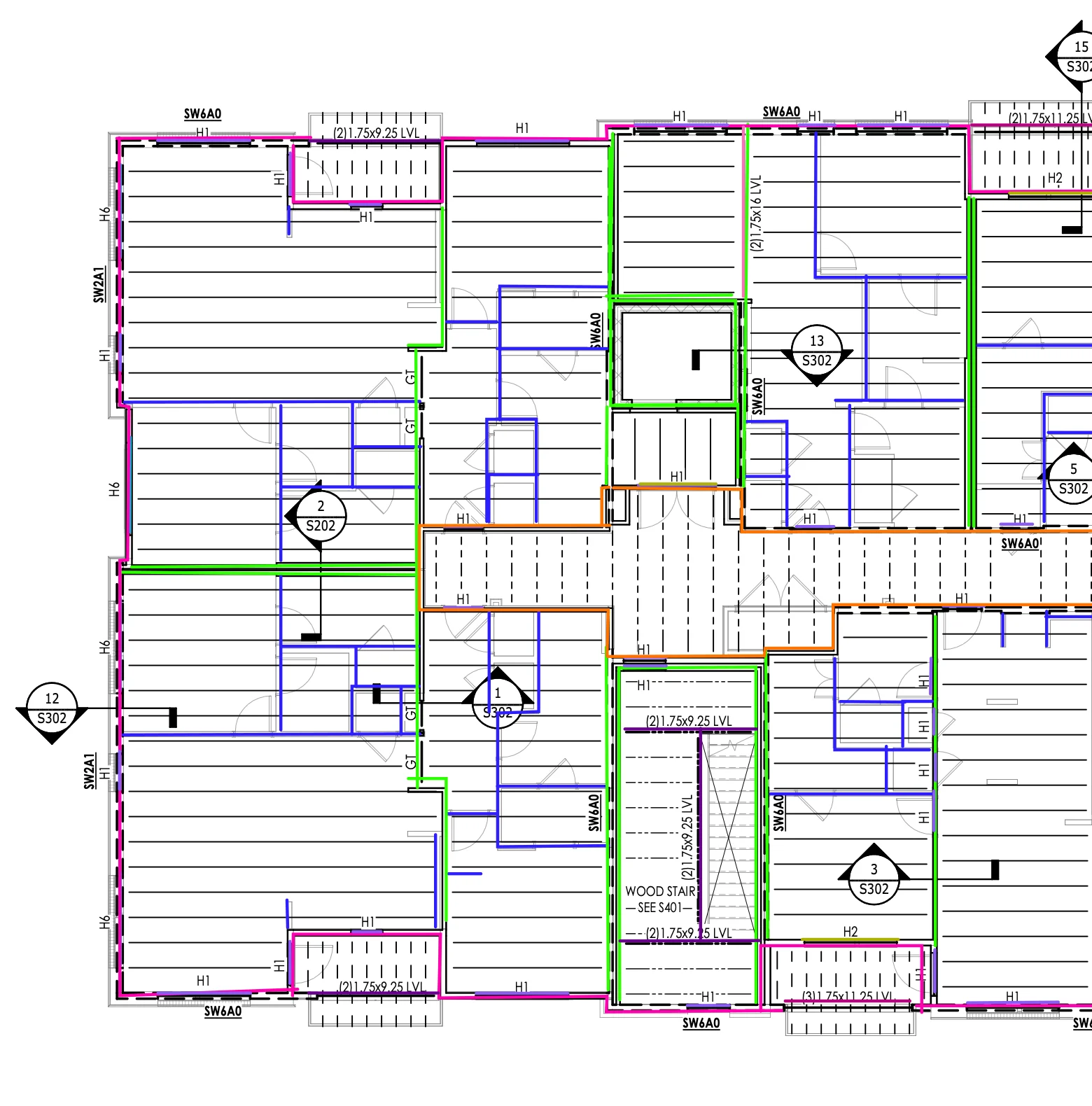
- 2x6 Exterior Wall1,980' LF
- 2x4 Load Bearing3,561' LF
- 2x4 Non-bearing3,214' LF
- 2x6 Corridor Wall1,157' LF
What a multifamily takeoff has to get right.
Floor-level repetition
Typical residential floors repeat up the building — same layout, same exterior. Count once. Multiply where they recur.
Special floors
Podium, top floor, roof — anything that breaks from the typical. Counted separately where the framing changes.
Variations across the building
End conditions, corner conditions, mirrored layouts — treated as their own where framing conditions shift.
Checked before your bid
Every quantity ties to the line on the plan it came from — check the draft before you bid it.
Built for multifamily teams
Multifamily framing contractors
Quote more multifamily pursuits without staffing up your estimating bench.
General contractors
Get a defensible building-level framing takeoff without staffing up for one big multifamily pursuit.
Developers & owners
Get an independent framing takeoff to sanity-check scope, quantities, and bids before you sign.
LBM and material suppliers
Quote multifamily framing material faster, without dedicating an estimator to one pursuit.
Less time on takeoffs. More time on bids.
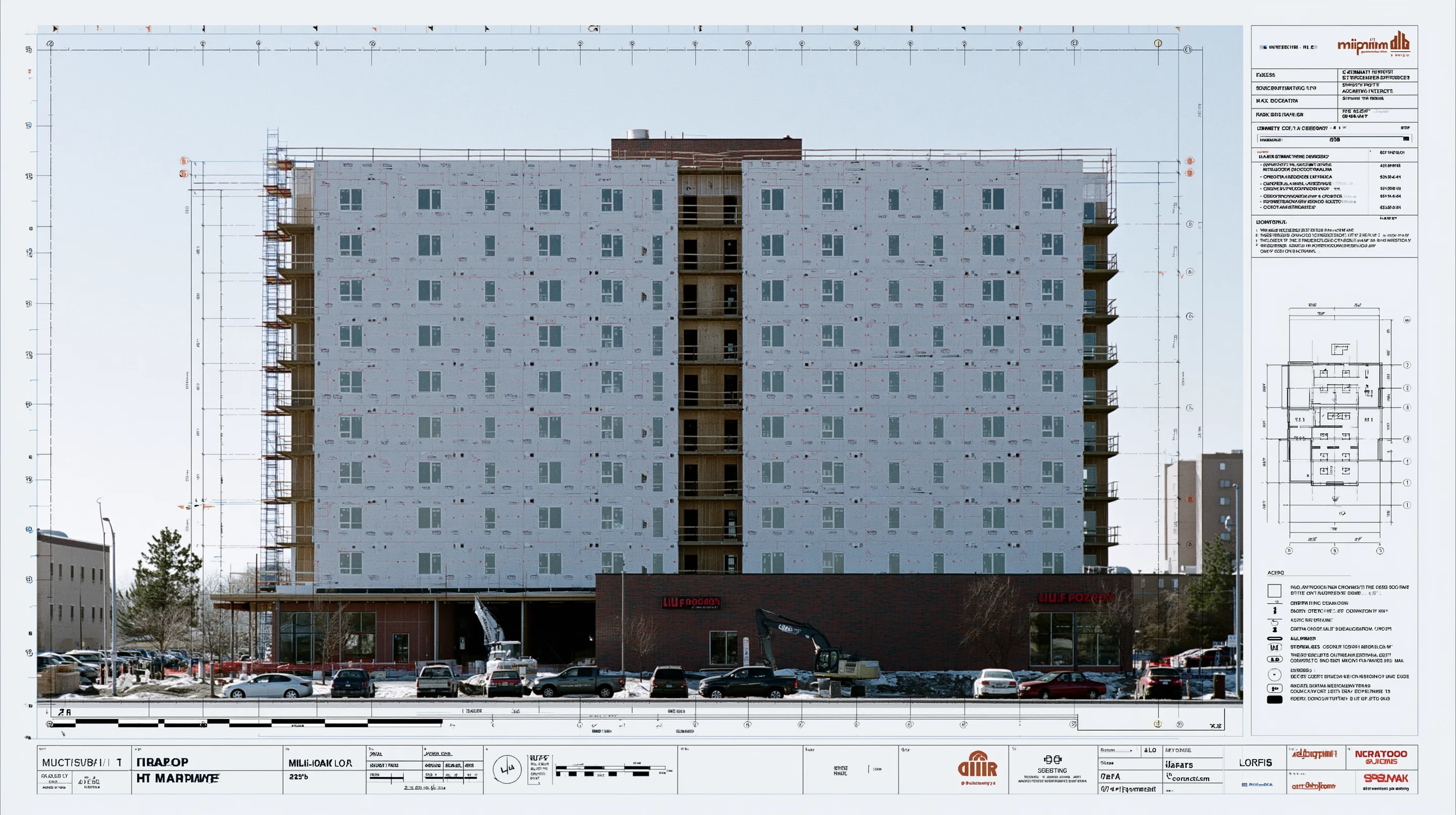
tied to the line on the plan it came from
marked-up drawings and a material list per building type
Frequently asked questions
Is this a takeoff service?
Not a queue you send plans into. Upload the set and the AI does the framing takeoff building type by building type, and you check it against the drawings before it goes out. Your first set, we run together on a call.
I don't have anyone to do takeoffs. Does this still help?
That's who it's for. The AI drafts the takeoff and the material list; checking a draft takes a fraction of the time counting does, and we walk your first one with you.
How does it handle repeated floors and building types?
Typical floors are traced once and applied where they repeat; podium, top floor and roof are counted on their own. Each building type rolls up to its own material list.
How long does it take?
Typically 2–6 hours for the draft and material list, and never more than a day. Larger or more complex plan sets take longer.
What does it cost?
A subscription covers the workspace, and AI takeoff adds a fee per project based on the size of the plan set — you see it before the AI runs. Tracing by hand has no project fee. See the Pricing page, or book a demo and we'll price your projects.
How do I know the count is right?
Every quantity ties back to the line on the plan it came from. Click a number to see where it was measured, and fix the trace if it's off — the totals follow.
Can I see it on my own plans?
Yes. Book a demo and we'll run Aximos on one of your plan sets with you, so you can check the draft against the drawings yourself.
A multifamily set, drafted by the AI.
Bring a plan set. We’ll run the first one with you on a call, and you check the draft against your own drawings.